"Should I pay for a theme?" is one of the first money questions every new WordPress site owner faces, and the honest answer is "sometimes, and less often than the marketing suggests". Free themes from the official directory can power excellent sites. Premium themes can save real time and give you support. The trick is knowing what you would actually be paying for, so you buy a solution to a problem you have rather than a longer feature list.
What "free" means in the official directory
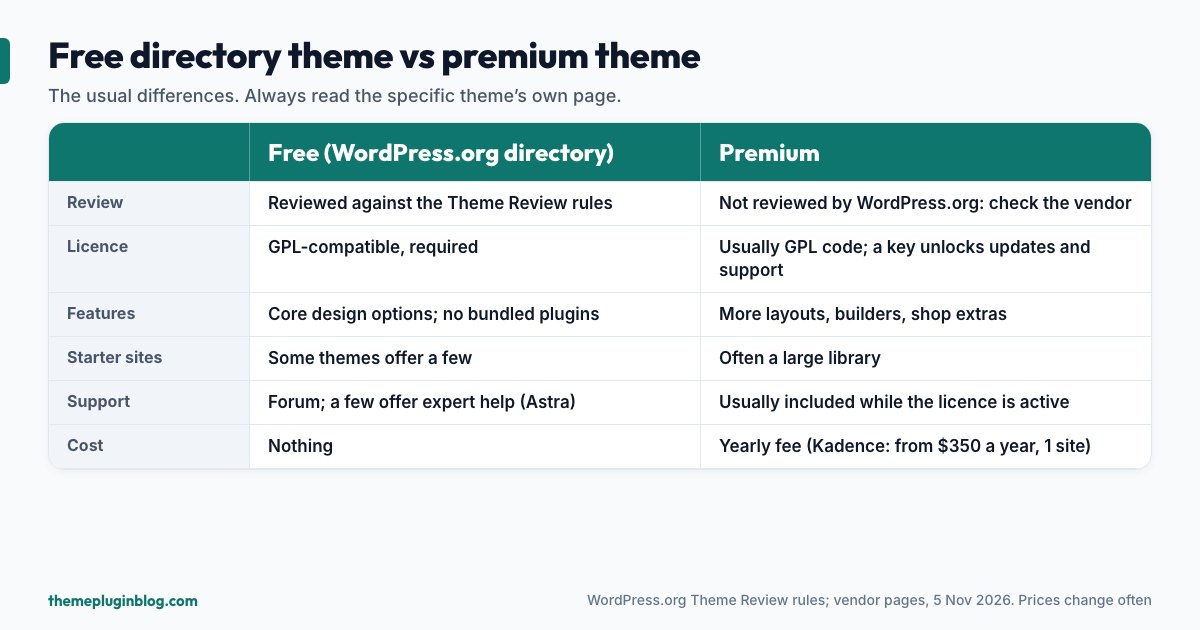
Themes in the WordPress.org theme directory are reviewed before they are listed. The documentation says every theme there is reviewed by a dedicated team and tested against a wide range of rules, and the Theme Review Team's published requirements show what those rules are. Among them:
- Licensing: "Themes must be compatible with the GNU General Public License", including any bundled fonts, images and third-party code.
- Security and quality: no PHP or JavaScript errors, warnings or notices; untrusted data must be escaped before output.
- Accessibility: skip links, visible keyboard focus and full keyboard operation, with additional requirements for themes tagged Accessibility ready.
- Privacy: any data collection must be opt-in and documented.
- Stay in theme territory: a theme may not bundle plugins or move plugin-type features such as analytics, SEO, contact forms or share buttons into the theme. It may recommend plugins hosted on WordPress.org.
- Limited upselling: one front-facing credit link is allowed, affiliate relationships must be disclosed, and the rules say to avoid upselling and spam.
That is a useful baseline. A free theme from the directory has passed a review that includes security basics, accessibility basics and rules against locking essentials behind spam. It does not guarantee the theme is well designed or actively maintained, which is why you still check the update date, ratings and support (see how to choose a WordPress theme).
What a premium theme typically adds
"Premium" covers a wide range, from a small paid add-on for a free theme to a large bundle. Typically you are paying for some mix of:
- More design options: additional header and footer layouts, more colour and typography controls, extra blog and archive layouts.
- Starter sites and templates: pre-built demo websites you can import and edit.
- Commerce features: extra shop layouts and WooCommerce enhancements.
- Support: a team you can ask when something goes wrong. Some free themes offer support too: Astra's directory listing, for example, says it provides expert support for free users.
- Updates tied to a licence: typically, updates and support continue only while your licence is active.
A real example of how pricing can look
Prices vary and change, so treat any figure here as a snapshot. Kadence is a useful example because its free theme is popular in the directory (more than 500,000 active installs and a rating of 98 out of 100). Its paid plans are now listed on Liquid Web's software page, where, at the time of writing, plans are billed per year and start at $350 for one site, with prices per site dropping steeply for larger bundles (for instance $599 for 10 sites). The page describes a bundle that includes other products alongside Kadence, and does not spell out renewal terms or refund policy in the pricing section we could read. We could not retrieve current pricing pages for Astra or GeneratePress, so we do not quote prices for them: check each vendor's page, and read the renewal and refund terms before you pay.
The point is not the number. It is that "premium" can mean anything from a modest add-on to a significant yearly commitment, so the licence terms deserve as much attention as the feature list.
The honest case for staying free
You may not need to pay at all if:
- Your site is a blog, a portfolio or a small business site. Free directory themes handle these well; see our picks of free themes for blogs.
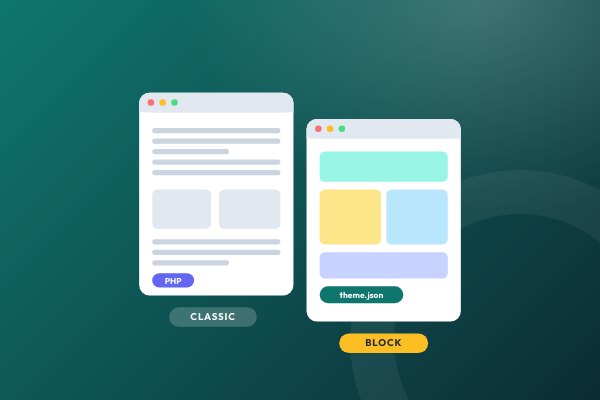
- You use a block theme. The Site Editor lets you change templates, headers and footers, colours and fonts without a paid theme builder. Our block versus classic guide explains why.
- You are happy to build with patterns. Many "premium" starter sites are arrangements of blocks you can assemble yourself.
- You do not want a yearly commitment that grows as your site count grows.
When paying makes sense
- You run a shop and need specific layouts or integrations that the free version lacks, and you have seen exactly which features are paid.
- You build sites for clients and want reusable starter templates and a support route that saves you hours.
- Time is worth more than the licence. If a paid feature saves you a day of work, it can be cheap.
- You want a header or footer builder on a classic theme and do not want to adopt a block theme.
Questions to ask before you pay
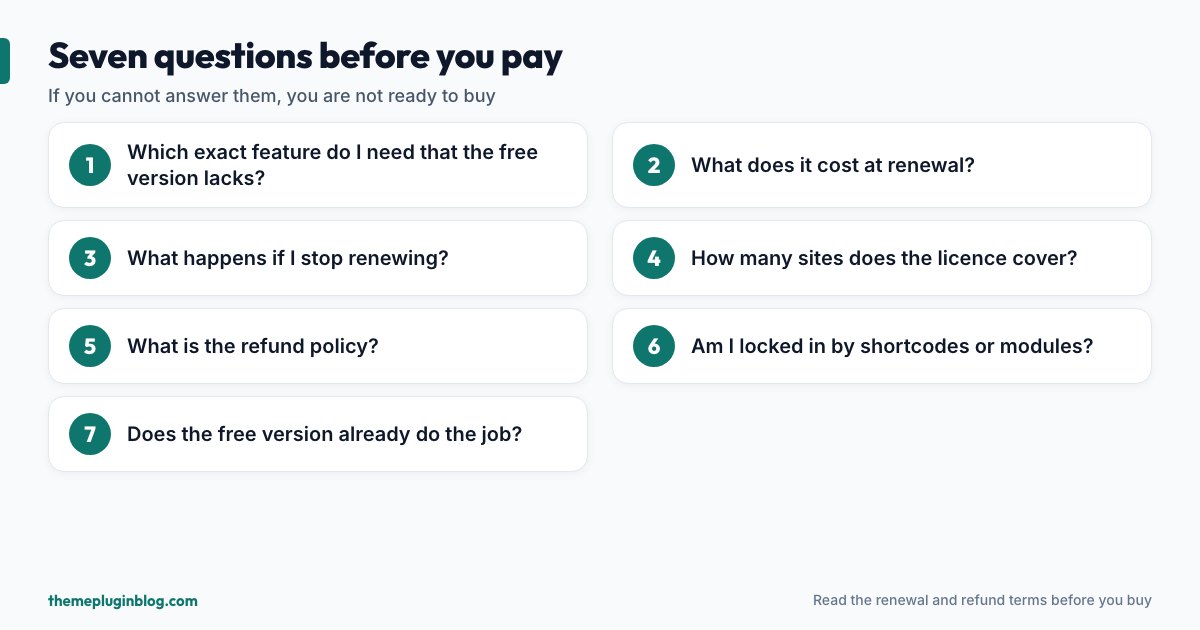
- Which exact feature do I need that the free version does not have? Name it. If you cannot, you are not ready to pay.
- What does it cost at renewal, and is that different from the first-year price? First-year discounts are common.
- What happens if I stop renewing? Typically the theme keeps working but stops receiving updates and support, which matters because an unmaintained theme gradually becomes a security risk.
- How many sites does the licence cover, and what happens when I add one?
- What is the refund policy, and how long do I have to test?
- Am I being locked in? Content built with theme-specific shortcodes or builder modules can be hard to move. Prefer standard blocks where you can.
- Does the free version already do the job? Try it first with your own content.
A word about GPL and licence keys
WordPress themes are distributed under the GPL, and the directory requires GPL compatibility. In plain terms, the code itself is open. The licence key you buy from a commercial vendor typically unlocks updates and support for the number of sites you paid for. That is a legitimate business model, and it is a different matter from "nulled" or pirated copies, which you should never use: they are a well-known way for malware to get onto websites and they come with no updates. Buy from the developer or an established marketplace, and keep the licence active for the sites that matter.
Count the total cost
A theme is rarely the only cost. Add up the yearly total: the theme licence, the plugins you will need (a builder, a forms plugin, an SEO plugin, backups), hosting, and your own time. A free theme plus two or three well-chosen free plugins can come to zero in licences. A premium theme plus premium plugins can reach hundreds of dollars a year. Neither is wrong; decide on purpose.
The bottom line
Start free. A reviewed directory theme with a good update history is enough for most blogs and small sites, and a block theme gives you a lot of design control at no cost. Pay when you can name the specific feature or support you need, when you have read the renewal and refund terms, and when the free version has proved it is not enough. That way, every dollar you spend solves a problem you actually have.
Sources
Checked on 5 November 2026. Directory figures come from the WordPress.org theme API; pricing is as shown on the vendor's page at that time and changes often.