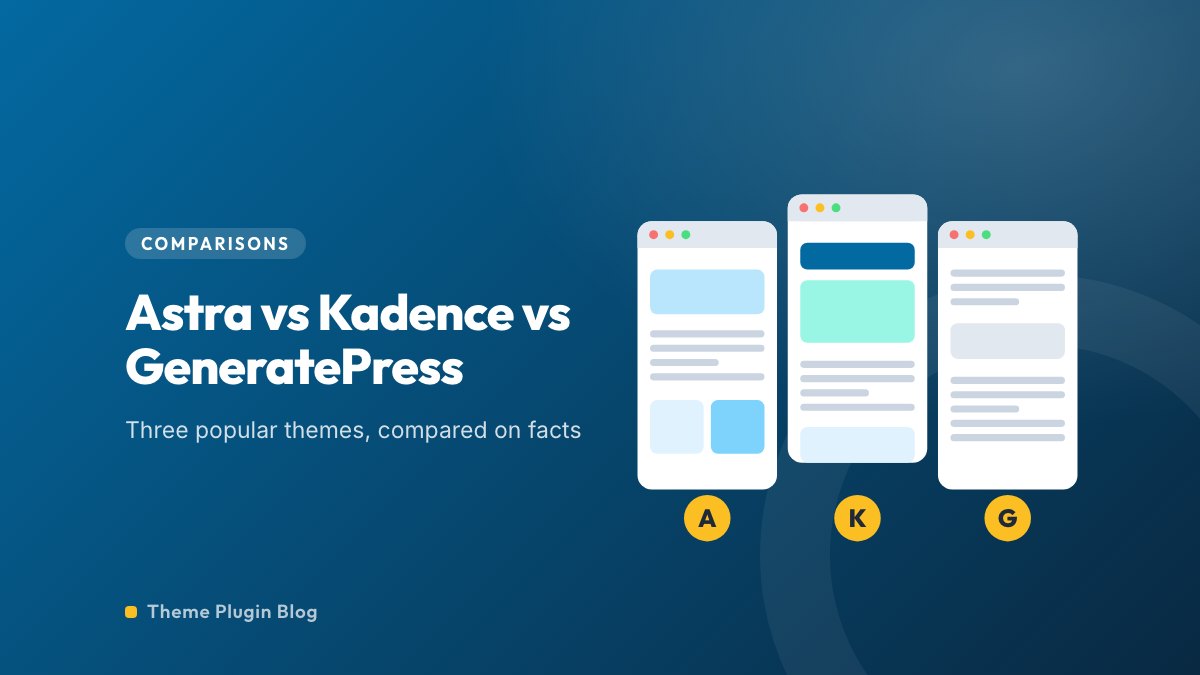
Astra, Kadence and GeneratePress are three of the most popular lightweight WordPress themes, and they come up in almost every "which theme?" thread. All three are free to start with, all three have a premium version, all three claim to be fast, and all three have a 98 out of 100 rating in the official directory. So how do you choose between them?
This comparison sticks to what can be checked: the figures on each theme's WordPress.org listing, each theme's own description, and the vendors' own pricing pages where we could read them. We did not benchmark the themes ourselves, so we do not declare a speed winner, and we say plainly where a fact could not be confirmed. If you are still deciding between themes in general, start with our guide to choosing a WordPress theme.
The three at a glance
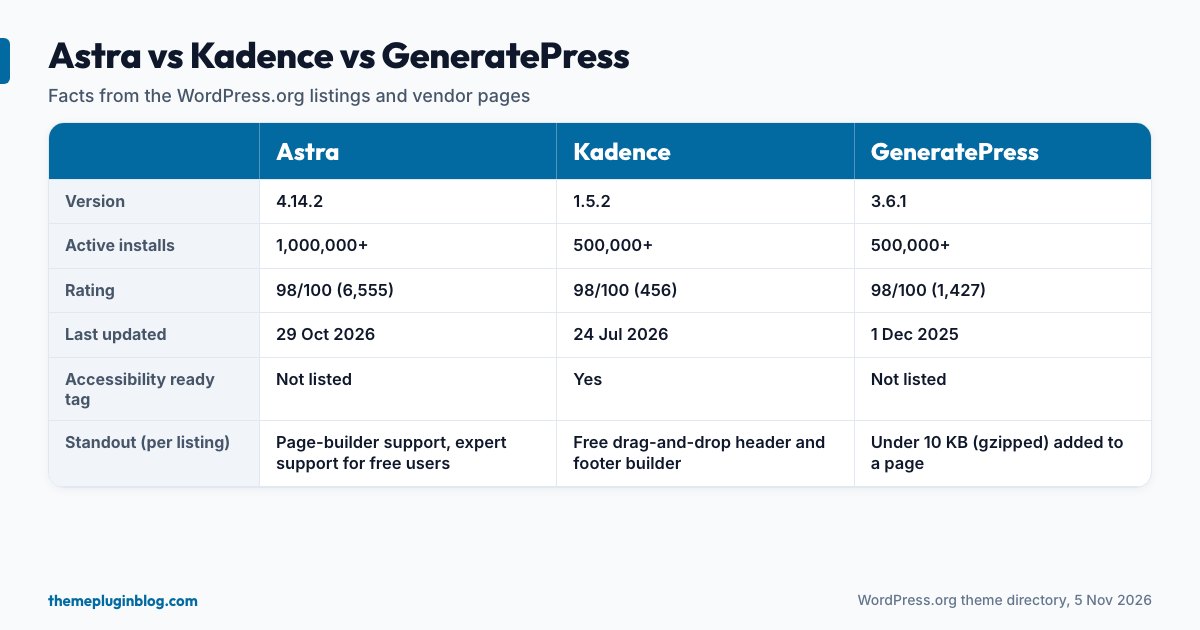
| Astra | Kadence | GeneratePress | |
|---|---|---|---|
| Version | 4.14.2 | 1.5.2 | 3.6.1 |
| Active installs | 1,000,000+ | 500,000+ | 500,000+ |
| Rating | 98/100 (6,555 ratings) | 98/100 (456 ratings) | 98/100 (1,427 ratings) |
| Last updated | 29 October 2026 | 24 July 2026 | 1 December 2025 |
| Required PHP | 5.3 | 7.4 | 7.4 |
| "Accessibility ready" tag | Not on the listing | Yes | Not on the listing |
| Free header/footer builder | Not stated in the listing | Yes (drag and drop) | Not stated in the listing |
Astra: the broadest, with the biggest community
Astra is the most installed of the three by a clear margin, with more than a million active installs and by far the most ratings (6,555), and it was updated at the end of October 2026. Its directory description calls it lightning-fast and highly customisable, aimed at everyone from designers and solopreneurs to small businesses, shops and membership sites. It says the theme works with the major page builders (it names Spectra, Elementor and Beaver Builder), has schema markup built in, is compatible with WooCommerce and SureCart, and offers special features and templates. It also says a dedicated team provides expert support for free users, which is unusual for a free theme.
Best for: people who want many options and ready-made starter sites, and who value a big community with plenty of tutorials. Watch out for: breadth means many settings to learn, and the free version leads to a paid one: Astra's own site describes Astra Pro as an advanced features and customisation add-on, but we could not retrieve its price list, so confirm the exact free-versus-paid line on its pricing page before building around a feature.
Kadence: a free header and footer builder and an accessibility tag
Kadence's description calls it a lightweight yet full-featured theme for fast-loading, accessible sites, with a drag-and-drop header and footer builder, a library of starter templates, and "global font and color controls". It is the only one of the three whose listing carries the directory's Accessibility ready tag, which signals that it has met an extra set of accessibility requirements (see our note on this in choosing a theme). It has 500,000+ installs and a 98 out of 100 rating from 456 ratings, a smaller sample than the other two.
On paid plans, the picture changed recently: Kadence's pricing now sits on Liquid Web's software page. When we read it, plans were billed per year, starting at $350 for one site and falling steeply per site for larger bundles (for example $599 for 10 sites), and the page described a bundle that includes other products alongside Kadence. The pricing section did not state renewal or refund terms, so read those before you buy.
Best for: people who want to design headers and footers visually without paying, and care about the accessibility tag. Watch out for: a smaller number of ratings, a last directory update in July 2026 (so check the changelog and support activity), and a bundled paid offer that is not as simple as a single Pro add-on.
GeneratePress: the minimalist
GeneratePress says a fresh install adds less than 10 KB (gzipped) to your page size, takes full advantage of the block editor and works with the major page builders. Its listing also mentions 60+ colour controls, dynamic typography, five navigation locations, five sidebar layouts, nine widget areas and translations into more than 25 languages, and it points to a premium version on its own website. It has 500,000+ installs and 98 out of 100 from 1,427 ratings.
Best for: people who like a tiny, plain foundation and are comfortable adding what they need, often with a builder or the block editor. Watch out for: its last directory update was on 1 December 2025, the oldest in this comparison. A deliberately small theme may need fewer changes, and the high rating suggests users are satisfied, but make sure you are comfortable with the update pace. We could not retrieve its premium pricing page, so we do not quote a price.
What these three have in common
- A free version in the official directory, reviewed against the Theme Review Team's rules.
- Compatibility with the block editor and the major page builders.
- WooCommerce compatibility.
- Claims of light, fast code. Treat every speed claim as a statement about the theme alone: your fonts, images, plugins and ads will decide how your pages really perform.
How to choose
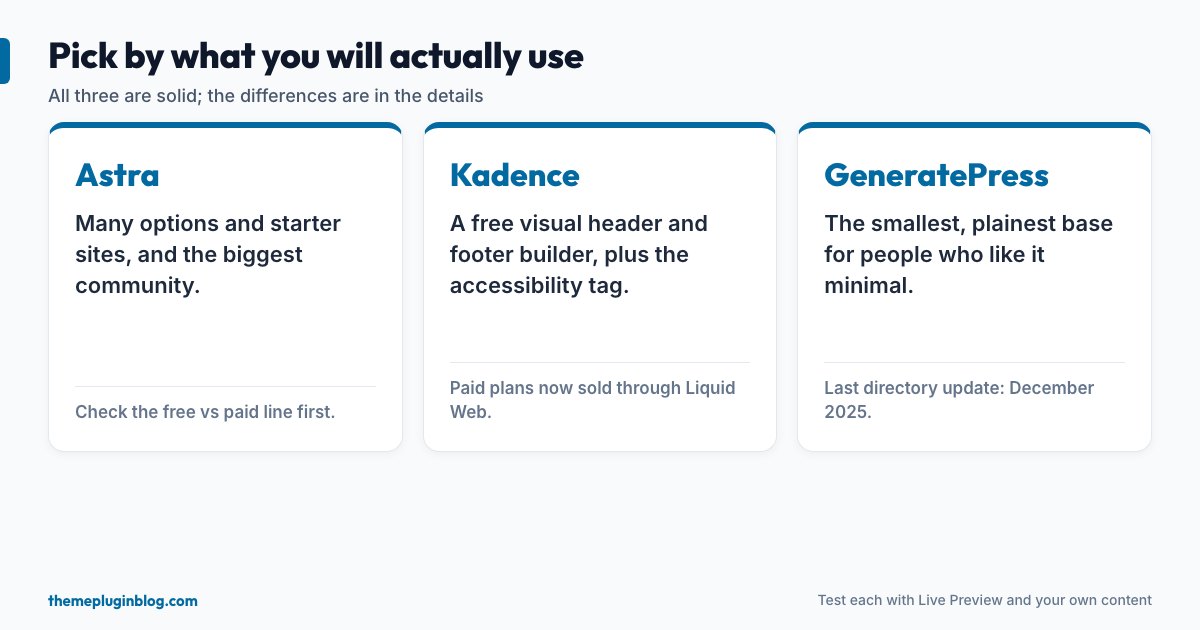
- "I want lots of options and starter sites": Astra.
- "I want a visual header and footer builder for free, and accessibility matters": Kadence.
- "I want the smallest, plainest base": GeneratePress.
- "I only write a blog and want the simplest thing": consider a block theme such as Twenty Twenty-Five instead (see our free themes for blogs). You may not need any of the three.
A fair way to test them yourself
- Install all three on a test copy of your site (or a fresh test site) with the same content and logo.
- Use Live Preview to check your longest article, home page and a phone view (see how to install a theme).
- Test each with PageSpeed Insights on mobile and compare the Core Web Vitals: LCP of 2.5 seconds or less, INP of 200 milliseconds or less and CLS of 0.1 or less.
- Try the one thing you most need: build the header you want, set your fonts, make a landing page.
- Read the free-versus-paid feature list, and the renewal and refund terms, before you buy anything (see free versus premium themes).
Switching later
Moving from one of these themes to another keeps your posts and pages but not theme-specific settings, header layouts or widgets, and any theme-specific shortcodes in your content will show as raw text. Prefer standard blocks in your articles, keep custom code in a child theme or a small plugin, and take a backup before any switch.
The bottom line
All three are solid, well-reviewed themes, and for most sites the difference will not decide success. Astra offers the most breadth and community, Kadence offers a free visual header and footer builder and an accessibility tag, and GeneratePress offers the lightest base. Choose by the feature you will really use, test on your own content, and do not pay for a premium tier until you have named the exact feature it unlocks.
Sources
Directory figures are from the WordPress.org theme API on 5 November 2026; prices are as shown on the vendor page at that time. Descriptions are paraphrased from each theme's own listing.